# Taste
*How I curate my taste*
Taste is the tool I built to collect the work that inspires me. Everything goes in with one click, gets described and tagged by AI, and can be found again by what it looks like, not by where I happened to save it.
- Case study by Bram Rutten, freelance designer (https://www.bramrutten.be/)
- Page: https://www.bramrutten.be/work/taste
- Services: UI & UX design, Application design

## One place for everything that inspires me
Design references used to end up everywhere: screenshots on my desktop, bookmarks, saved posts and the odd folder. Taste brings them together in one place: images, websites, videos and notes, side by side in one grid.
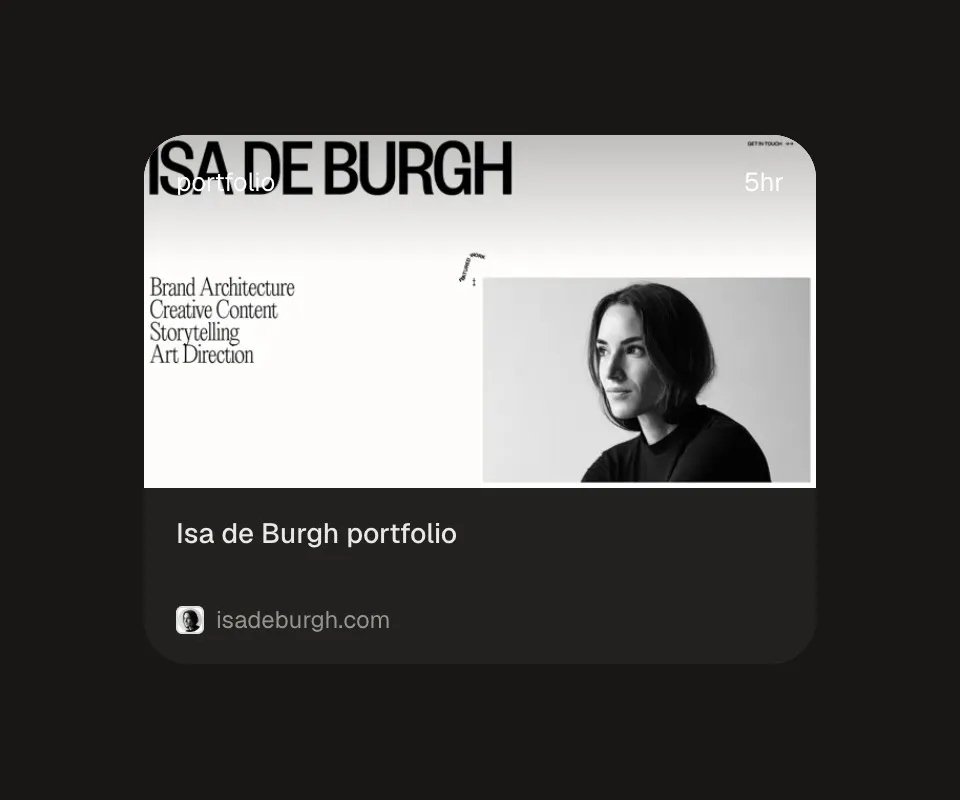
*A website, with its own preview.*
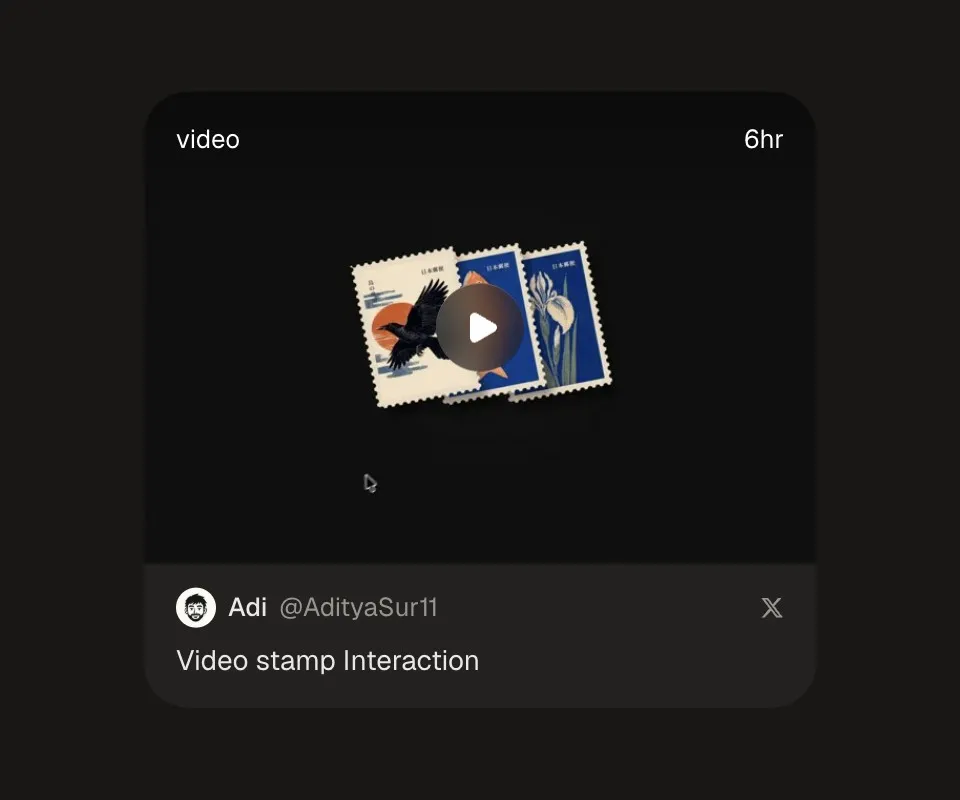
*A post, with its author and text.*
## Saving without thinking
A Chrome extension saves the page or image I'm looking at with one click, or a right-click on an image or a piece of text. A small confirmation appears, and I keep browsing. Saving the same thing twice simply moves it back to the top.
## Letting AI do the sorting
Every reference is described and tagged by Claude, which also looks at the images themselves, and its colours are picked out.

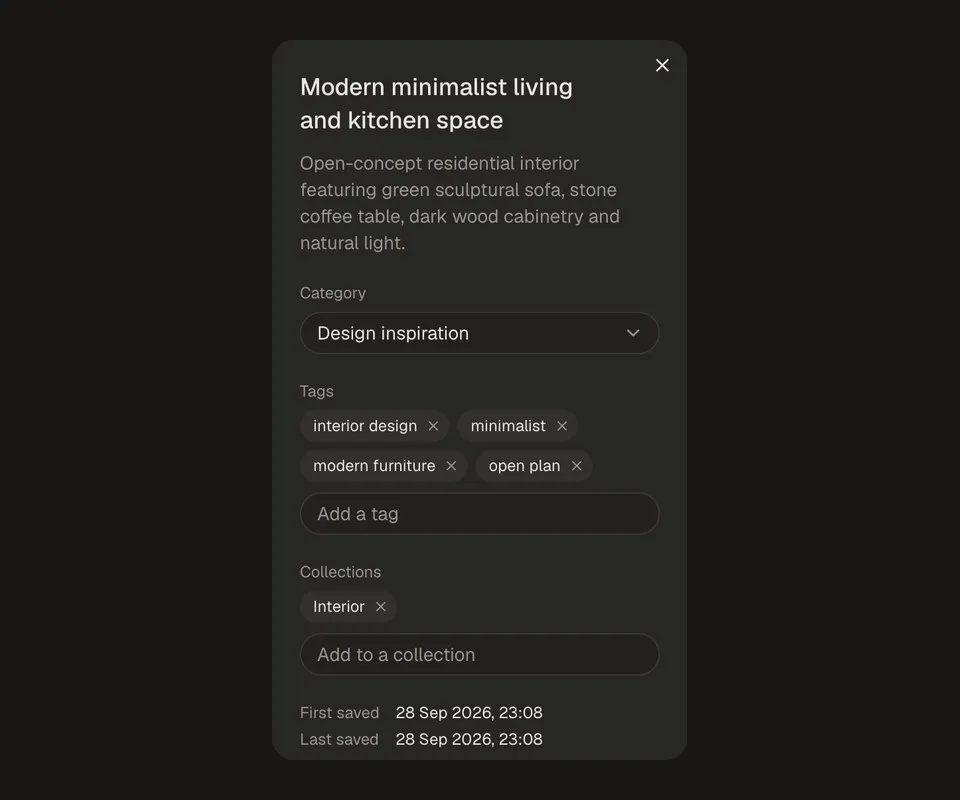
*Title, description and tags, written by AI.*
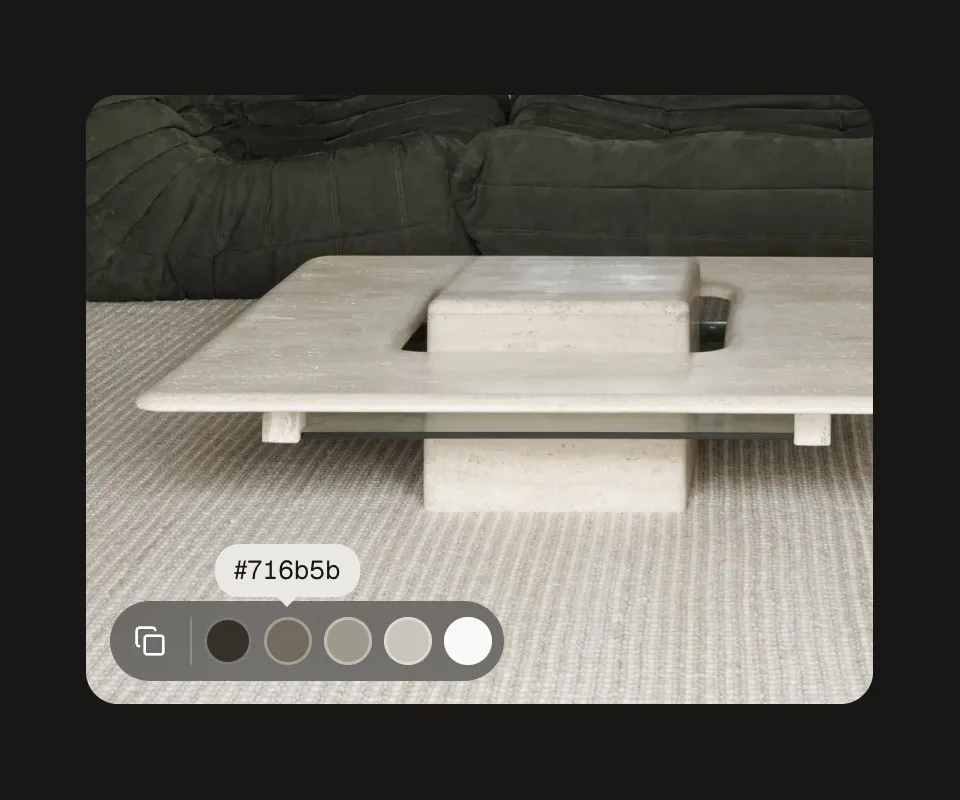
*Copy the image, or any of its colours.*
## Search by meaning
Search combines keywords with meaning, so a search for a calm dashboard with green accents finds exactly that, even when none of those words were ever typed.

## Collections that work as a brief
Collections group references for a project. For each one, Claude writes a short style brief and pulls out a palette, ready to copy into a design tool or hand to an AI. Drag a reference and your collections open up as drop targets.

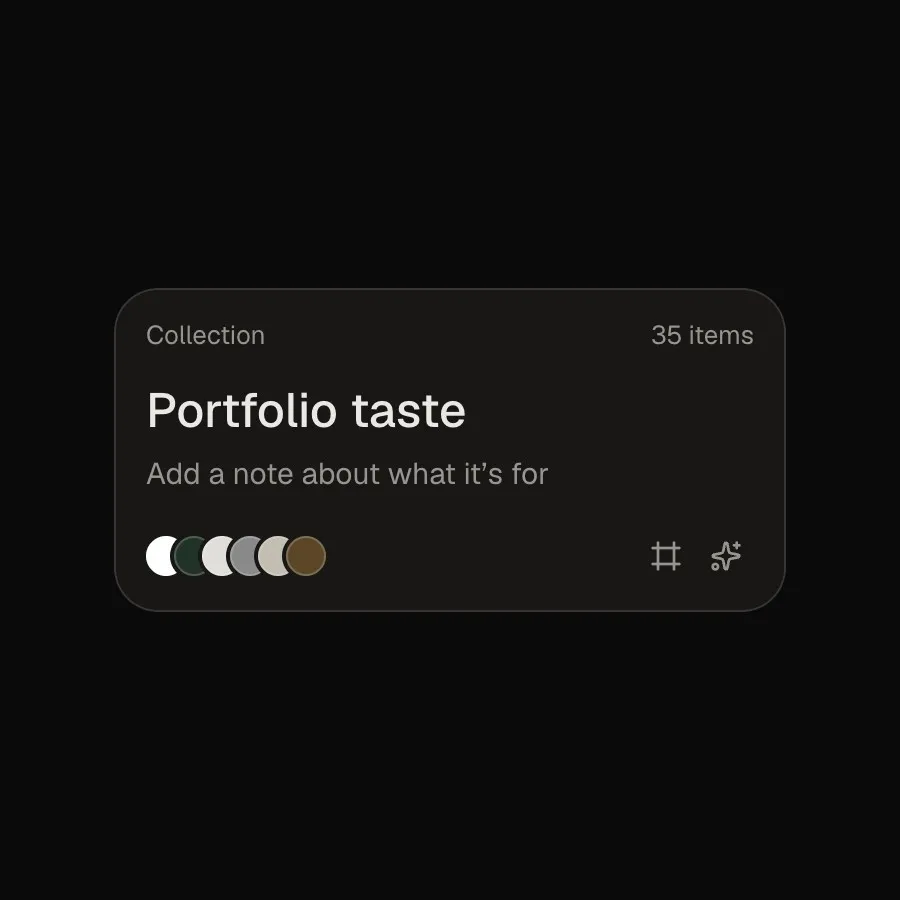
*The Portfolio taste collection…*

*…becomes the sphere on my My taste page.*
## Built to stay small
Taste is a personal tool, so it's built to be quick, private and cheap to run: Next.js on Vercel, with Supabase for the database, files and background work, all on free plans. The only running cost is the AI that describes each new reference.